
Introduction
Translating your body text is only the first step. A multilingual website works when everything a visitor reads, taps, and searches with speaks their language.
Leave the surrounding details in the original language and the experience feels broken and inconsistent. Visitors notice quickly, and they leave just as fast.
Why translated paragraphs alone leave a site half-finished
Body text is only one layer of your website content. Menus, buttons, forms, metadata, images and legal pages all carry meaning too.
If you translate the paragraphs and skip the rest, visitors still meet the original language at every step. A multilingual website has to work in the new language from the first click to the last.
How untranslated fragments break trust
Your global audience speaks dozens of languages. When a visitor can easily read a menu, a form label or a checkout button, they are far more likely to stay and become a customer.
Consistent, fully localized pages give visitors a polished experience. They strengthen trust and credibility, and they meet the user experience that new markets expect from an international website.
At MultiLipi, we treat website translation as a whole-site job. These are the elements most often missed:
- Navigation and link text
- Headings, buttons, forms and error messages
- Meta tags and other SEO elements
- Image alt text and embedded media
- Product, checkout and legal content
Navigation, Menus, and Link Text
Website menus are the first thing visitors use, which makes translating navigation menus one of the most important steps in localization. If "Products," "Pricing" or "About" stay in the source language, people cannot find their way around, and the experience breaks before it begins. Translating navigation menus means more than swapping words: labels need to be short enough to fit the layout and familiar enough that visitors recognize them at a glance, so they can move through the site without hesitation.
Header, footer, and breadcrumb labels
Translate every navigation layer, not just the main bar:
- Header and dropdown menu labels
- Footer links, including careers, support and sitemap
- Breadcrumb trails that show where a visitor sits on the site
- Mobile menu items and search placeholders
Labels also need to be short, especially in a language switcher, where space is tight. A translated word can run longer than the original, so check that it fits the space without breaking the layout. Place the switcher where users expect it, such as the header or footer, and keep it visible on every page. Show each language in its own name, like Deutsch or Español, so people can spot their language at a glance.
Anchor text and call-to-action links
Link text carries meaning. A phrase such as "Read more" or "Learn about our services" tells visitors what happens next, and it gives search engines context about the target page.
Calls to action deserve extra care. A literal translation can sound stiff or unclear, so professional translators should adapt the wording to what feels natural in the target language.
Keep these points in mind:
- Use the same term for the same link everywhere on the site
- Avoid vague anchors that make no sense out of context
- Check that each link leads to the page in the matching language
That last point matters. A translated link that sends visitors to an untranslated page recreates the mixed-language problem you set out to fix.
Headings, Buttons, and Interface Text
Once visitors can find their way around, the next layer they meet is the text that frames each page and prompts each action. Skip it, and a translated website still feels half finished.
Headings and subheadings that set page context
Headings tell visitors what a page is about before they read a line of body copy. They also tell search engines how the page is organised, which affects your SEO ranking.
Leave an H2 in the source language and the page feels unfinished. Translate it word for word and it may read awkwardly or miss the phrase locals actually search for.
Professional translators should adapt headings so they:
- Stay clear and short enough to scan
- Reflect the vocabulary your target audience uses
- Keep the same hierarchy as the original page
Button labels, tooltips, and microcopy
Interface text is small, but visitors act on it. Translating buttons and calls to action is where a localized site either converts or loses people. If a button such as "Buy now" or "Sign up" stays in the source language, users may not understand what action is being asked of them. A literal translation is not always enough either: a call to action should be short enough to fit the button, clear about the next step, and phrased the way native speakers expect to see it.
Cover the full set of interface strings:
- Button labels such as "Submit," "Add to cart" or "Download"
- Tooltips and hover text
- Loading, success, error and empty-state messages
- Pop-ups, banners and cookie prompts
These strings often live in code or theme files, not in page content. Platforms such as WordPress, with plugins like WPML, store them separately, so they are easy to miss.
Context matters here. A word like "Order" or "Post" can mean different things, so translators need to see where the text appears. A glossary and translation memory keep each term consistent across the whole site, which protects translation quality and your brand reputation.
Forms, Error Messages, and Confirmations
Field labels, placeholders, and validation prompts
Forms and surveys are where visitors hand over their information, which makes translating forms and surveys a step you can't skip. If a field label is unclear or left in the wrong language, they leave before they submit. Translate every label, error message, and answer option so visitors know exactly what you're asking for in their own language.
Translate every piece of text a form shows:
- Field labels such as "Name," "Company" or "Postcode"
- Placeholder text inside empty fields
- Required-field markers and help text
- Error messages such as "Invalid email address"
- Dropdown options and survey answer scales
Error messages deserve special attention. They appear at the moment of frustration, so an untranslated one can end the visit.
Format matters too. Phone numbers, dates and addresses follow different conventions by market, so your fields should accept the local pattern.
Thank-you pages and automated emails
The experience does not end when the visitor clicks send. Confirmation screens and follow-up messages are part of the same journey.
Check these items in every language:
- Thank-you pages and on-screen success messages
- Confirmation and receipt emails
- Password reset and account notifications
- Email subject lines and sender footers
Transactional emails and chatbot scripts are often sent by separate systems, not by the website itself. Make sure each one is triggered in the visitor's chosen language, or the mixed-language problem returns right after a successful submission.
Meta Tags and Other SEO Elements
Una vista previa clara para búsquedas locales, con título y descripción adaptados al idioma.
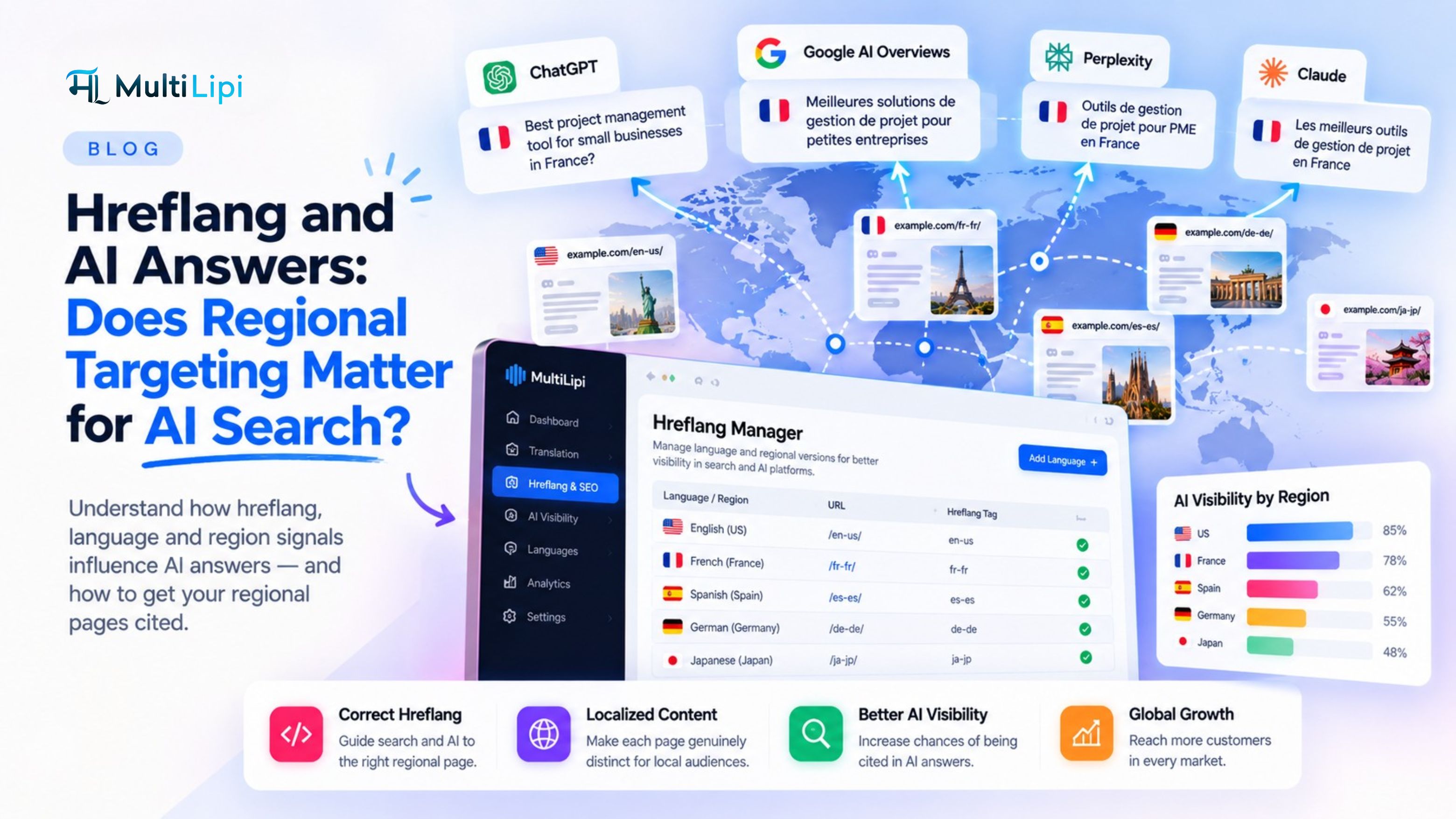
Your forms may be fully translated, but visitors still have to find your pages first. Page titles, meta descriptions, and URL slugs need localization; hreflang annotations must use valid language-region codes, and structured-data text values should reflect the localized page so search engines can interpret it in local markets. A well-translated page reaches its full potential when it is also visible to local search.
Title tags and meta descriptions
Translating SEO metadata starts with the titles and meta descriptions, because they are the first thing a searcher sees. Write them for the local audience, not as a word-for-word copy of the source, and build them around the terms people in that market actually type. Apply the same thinking to URLs and image alt text: localize slugs so they read naturally and carry the local keyword, and describe each image in the way a local user would, rather than mirroring the original wording.
Image alt text works the same way. It tells search engines what an image shows, and it helps visitors who use screen readers.
URL slugs and hreflang tags
URL slugs are part of the visible page address. Translating them helps both visitors and search engines understand what the page covers.
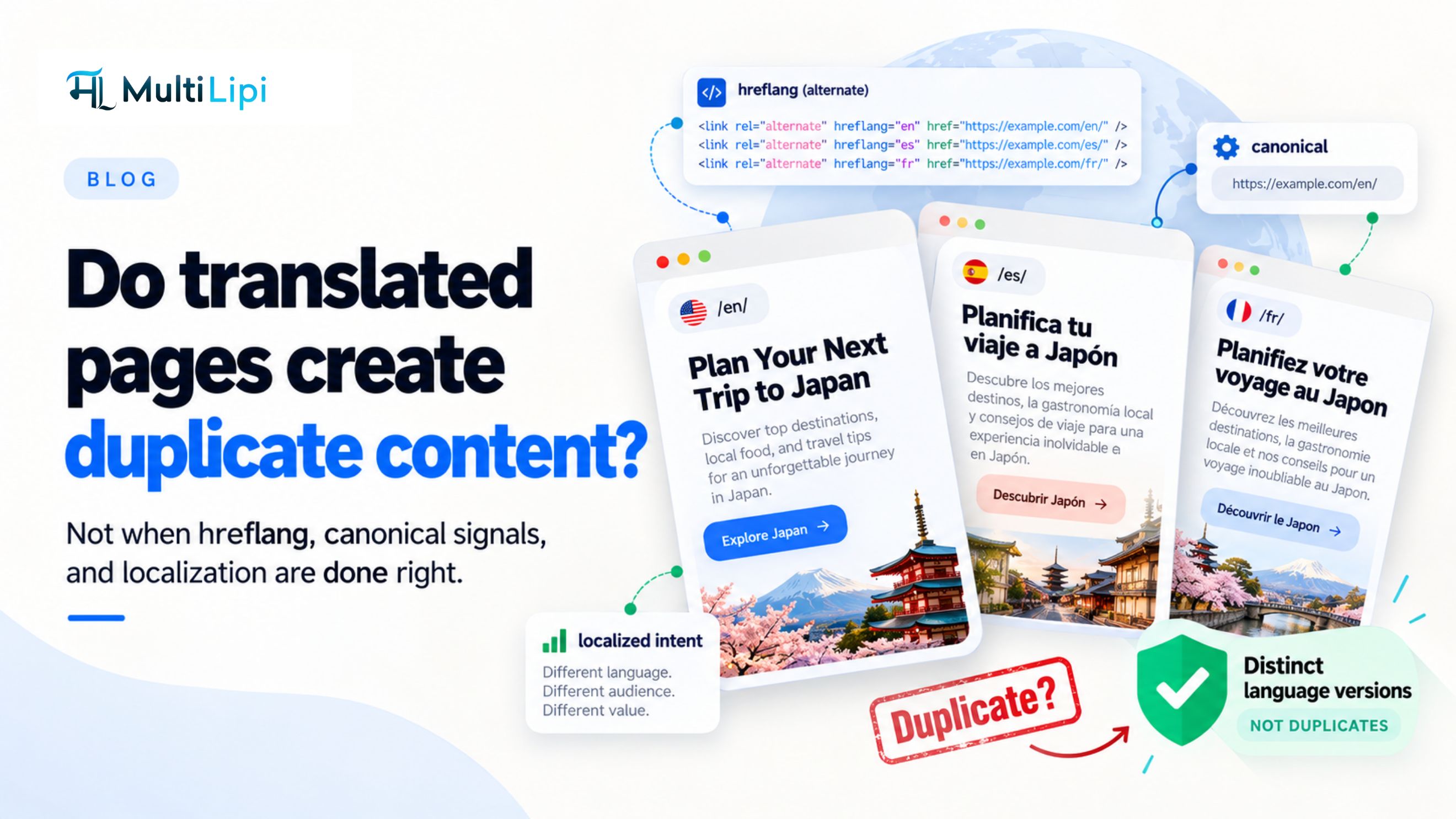
Hreflang tags tell search engines which language version to show to which user. Without them, the wrong version can appear in results.
Check these items for every language:
- Each page has a matching hreflang tag for every language version
- Slugs use the target language and stay short
- Titles and descriptions fit the display limits after translation
Structured data and local search intent
🔎 Translate the meaning, not the technical codes
Write localized title tags, descriptions, URLs and the text values inside structured data. Keep hreflang language-region codes and schema property names technically valid. Each translated page should remain discoverable and correctly linked to its alternates.
Localize appropriate text values within structured data, such as product names and descriptions, while keeping schema property names and technical identifiers unchanged.
Local keyword research matters here. People in different markets often search with different words, so a direct translation of your English keywords may miss them.
Skip these elements and your search optimisation work stays confined to one market.
Images, Alt Text, and Embedded Media
Search visibility gets visitors to the page. Once they arrive, visuals and media decide whether the page feels truly local. A fully translated site can still look unfinished if its images and videos speak another language.
Text baked into graphics
Images with text overlays, infographics, PDFs, and videos may need localized versions. An English-language explainer video on a Spanish-language page creates a gap that body text cannot close.
Review these assets for embedded words:
- Banners and hero images with headlines
- Infographics and charts with labels
- Downloadable PDFs and brochures
- Screenshots showing an English interface
Text inside an image cannot be edited by a translation tool. You need a localized version of the file itself.
Alt text and accessibility
Alt text describes an image to visitors who use screen readers or cannot load the file.
Leave it in the source language and those visitors hear a mix of languages. Translate it, and keep each description short and specific.
Video captions, subtitles, and audio
Visitors should be able to follow each clip in their own language.
- Subtitles for spoken content
- Captions that include relevant sounds
- Translated transcripts
- Dubbed audio tracks where subtitles are not enough
Also check video titles and descriptions. They are visible text, and they are easy to forget.
Merchandising and Checkout Content
Visuals set the scene, but a store sells through its words. Product pages, baskets, and payment steps carry text that never appears in a blog-style paragraph, and each piece shapes the buying decision.
Product titles, attributes, and size guides
Product titles, descriptions, and attributes help shoppers decide what to buy. Translating core website content and product descriptions is what makes that information usable for visitors who browse in another language. If it is missing in a visitor's language, the page feels incomplete and the product feels risky. Shoppers who cannot read the details about size, materials, or shipping tend to hesitate, and they often leave for a store that speaks to them directly.
- Product titles and short descriptions
- Attributes such as colour, material, and fit
- Size guides and measurement charts
- Category names and filter labels
Currency, dates, and measurements should follow the conventions of each market, so a size chart reads naturally to the shopper using it.
Shipping, returns, and payment information
Checkout is where doubt turns into abandoned baskets. Shoppers need to understand costs, delivery times, and their rights before they pay.
Translate every step of the process:
- Delivery options and shipping costs
- Returns and refund instructions
- Accepted payment methods and payment prompts
- Order summaries and basket messages
Every translated line at this stage helps protect a sale that everything before it has earned.
Promotional banners and reviews
Promotional banners, discount codes, and seasonal offers are merchandising content too. They often sit in templates or plugins, so they are easy to miss.
Customer reviews need a decision. You can show them in the original language, translate them, or collect local reviews. Whichever you choose, apply it consistently so the page does not feel stitched together.
Legal, Compliance, and Trust Pages
Checkout is where words close the sale. Legal and trust pages are where they earn the right to. Shoppers who cannot read your policies or find your contact details will not complete a purchase.
Privacy policy, terms, and cookie notices
⚖️ A translated policy still needs a local review
Terms, privacy disclosures, consent notices and guarantees affect what customers agree to. Translation quality matters, but compliance also depends on the rules of the destination market.
Legal information is easy to overlook and costly to get wrong. Translating legal pages such as your terms and conditions and privacy policy means visitors can read exactly what they are agreeing to in a language they fully understand, and it keeps your business clear on what it has promised in every market you serve.
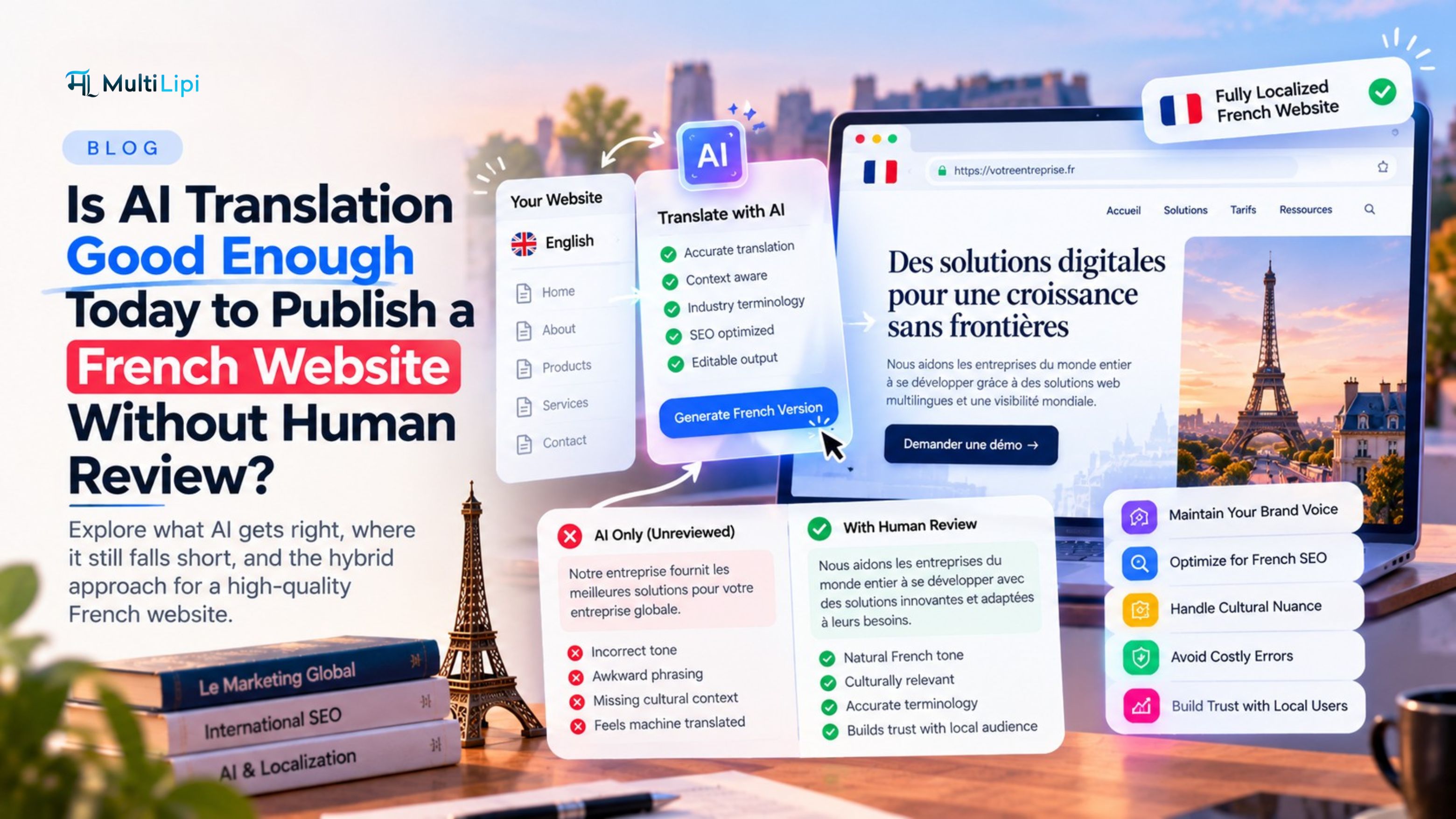
Use professional translators for this content. Legal wording is precise, and a loose translation can change what a clause means. Pairing machine translation with professional review is the best way to keep every clause accurate.
Cover these pages in every language you publish:
- Privacy policy and data protection notices
- Terms and conditions of use or sale
- Cookie banners and consent prompts
- Disclaimers and accessibility statements
Cookie notices deserve special attention. In markets such as Germany, banners must meet GDPR requirements, so a literal translation of your home market banner may not be enough.
Rules differ by market, so check whether each version needs adapting as well as translating.
Contact details and trust signals
Trust is built in small details. A multilingual website increases trust and credibility, and that effect depends on the whole page feeling consistent.
Review these elements:
- Contact page labels, opening hours, and address formats
- Testimonials and case study summaries
- Certifications, guarantees, and security badges
- About pages and team descriptions
If a visitor cannot confirm who you are or how to reach you, they leave. Make that information clear in their language.
"Website translation isn't just a way to connect with a global audience, it's a necessity for compliance with local laws like GDPR." , Jessica Rivera
FAQ
What parts of a website need translating besides body text?
Anything a visitor can see, hear, or interact with. That includes:
- Website menus, buttons, and forms
- Error messages
- Images with text, and alt text
- Video captions
- Product details
- Legal pages
Behind the scenes, metadata and other SEO elements need the same attention. Leave any of these in the original language and visitors hit a broken, inconsistent experience.
Do SEO elements need to be translated?
Yes. Localized title tags, meta descriptions, and URL slugs affect how each language version is presented. Hreflang annotations connect versions using standard language-region codes; those codes are not free-form translated text.
Skip them and your translated pages may struggle to rank in the markets you are targeting.
Does everything on a website need to be translated?
Not always. You can decide what stays in the original language, such as certain brand names, or customer reviews you choose to show as written.
The rule is consistency. Whatever you decide, apply it across the whole site so visitors do not meet random gaps.
Anything tied to decisions, trust, or legal obligations should be translated.
Why use glossaries and translation memories?
They keep wording consistent across hundreds of pages and many contributors. A glossary fixes how key terms are translated. A translation memory stores approved sentences so they are reused.
- Consistent terminology in menus, buttons, and body copy
- Less repeated work when content is updated
- A more uniform user experience across languages
Professional translators use both to keep a multilingual website coherent as it grows.
Conclusion
A translated page is only the start. Visitors judge your site by every label, button, message, and legal line they meet along the way.
Work through your multilingual website in layers:
- Meta tags, slugs, hreflang, and structured data
- Images, alt text, captions, and subtitles
- Legal and trust pages, including terms and conditions and your privacy policy
Skipping any layer leaves a gap that visitors notice and search engines read.
At MultiLipi, we treat these elements as part of one multilingual website, not as extras to add later.
Start with a full inventory of everything a visitor can see, hear, or click. Then set clear rules for what gets translated and what stays in the original language.
Continue your localization checklist
Relevant MultiLipi guides and tools for translating the parts of a website that people actually use.
- Website translation vs. localization
- Website localization: beginner guide
- How to design for localization
- Multilingual SEO best practices
- Hreflang checker
- Guide to multilingual schema
- AI image translation
- Image alt-text localization
- Glossary and terminology controls
- Translation memory vs. glossary
- Visual Editor translation workflow
- E-commerce localization solutions