
The Critical Technical Element of Multilingual SEO
If you're running a multilingual website, hreflang tags are not optional—they're essential. Yet they're also one of the most misunderstood and frequently misconfigured elements of international SEO.
Get hreflang right, and search engines will show the correct language version to the right users, your rankings will strengthen across all markets, and you'll avoid duplicate content issues. Get it wrong, and you risk showing Spanish content to English users, fragmenting your SEO authority, and confusing search engines about which version to rank.
This guide provides everything you need to implement hreflang correctly, avoid common pitfalls, and ensure your multilingual SEO strategy succeeds. We'll cover what hreflang is, why it matters, how to implement it properly, and how to test and validate your implementation.
Hreflang Implementation: The Critical Numbers
2.5M Users, Under 5min Implementation
Join millions using automated hreflang solutions that implement correctly in under 5 minutes.
⚠️Critical Stat
Research shows that over 60% of multilingual websites have hreflang errors that negatively impact their SEO performance. Many businesses invest heavily in translation and localization, only to undermine their efforts with incorrect hreflang implementation.
What is Hreflang? Understanding the Basics
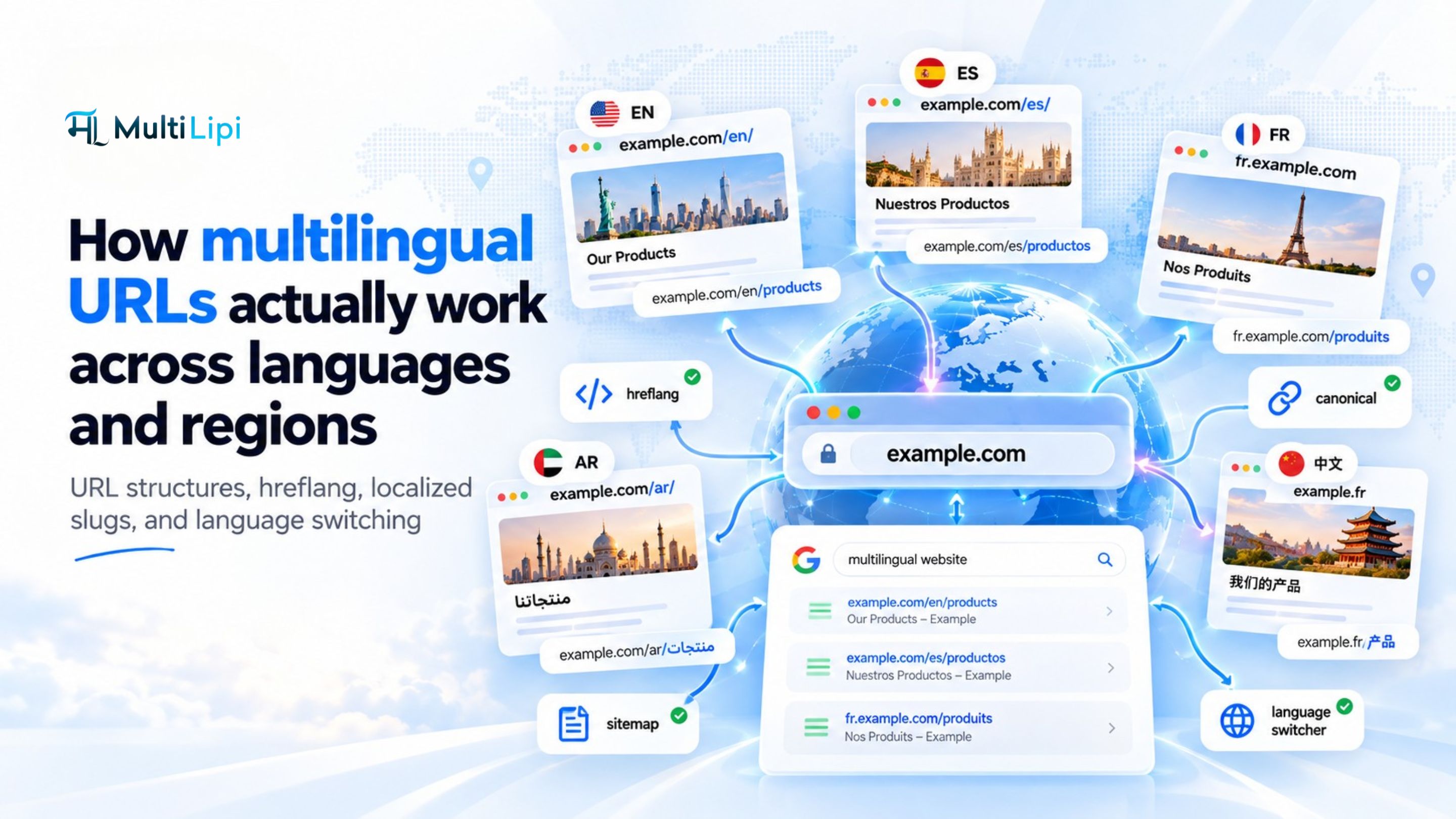
Hreflang is an HTML attribute that tells search engines which language and regional version of a page to show to users based on their language preferences and location. It's essentially a signal that says, "This page is in Spanish for users in Spain" or "This is the French version for French-speaking users anywhere."
The Syntax
A basic hreflang tag looks like this:
<link rel="alternate" hreflang="es" href="https://example.com/es/" />This tells search engines: "There's a Spanish (es) version of this content at this URL." The language code follows ISO 639-1 standards (two-letter language codes), and you can optionally add region codes following ISO 3166-1 Alpha 2 (two-letter country codes).
Language vs. Language + Region
You can specify just a language or a language-region combination:
hreflang="es"— Spanish language (any region)hreflang="es-ES"— Spanish for Spain specificallyhreflang="es-MX"— Spanish for Mexicohreflang="en-GB"— English for United Kingdom
The key principle: use language-only codes when your content serves all users of that language regardless of location. Use language-region codes when you have specific variations for different regions (like pricing in different currencies, region-specific products, or cultural adaptations).
Why Hreflang Matters for Your Business
Hreflang solves three critical problems that plague multilingual websites without proper implementation.
Correct Language Targeting
Ensures German users see German content and French users see French content, improving user experience and reducing bounce rates.
Duplicate Content Protection
Tells search engines that your English and Spanish pages are intentional translations, not duplicate content that should be penalized.
SEO Authority Consolidation
Prevents authority fragmentation by properly signaling relationships between language versions, strengthening all versions.
Rankings Preservation
Maintains separate rankings for each language version in appropriate markets without cannibalization.
Without hreflang, search engines might show your Spanish content to English users (terrible user experience), rank your English version in Spanish search results (wrong audience), or treat your translations as duplicate content (SEO penalty). Hreflang prevents all these issues.
The business impact is significant. Companies with proper hreflang implementation see 20-30% higher engagement from international traffic, reduced bounce rates, and stronger SEO performance across all language versions. Conversely, incorrect or missing hreflang can tank your international SEO efforts regardless of content quality.
Implementation Guide: Three Methods
There are three valid ways to implement hreflang tags. Choose the method that best fits your technical infrastructure and capabilities.
HTML Head Tags
Add hreflang tags in the <head> section of each page. Simple but requires manual management across all pages.
HTTP Headers
Implement via HTTP response headers. Useful for non-HTML files like PDFs. Requires server configuration access.
XML Sitemap
Include hreflang annotations in your XML sitemap. Centralizes management but less visible to developers.
Method 1: HTML Head Tags (Recommended for Most Sites)
This is the most common and transparent method. In the <head> section of each page, you add a set of hreflang tags referencing all language versions including the current page (self-referential).
✅ Correct Hreflang Implementation
Key requirements: (1) Every page must reference all language versions including itself, (2) All pages must have bidirectional links (if English links to Spanish, Spanish must link back to English), (3) Include an x-default version for users whose language preferences don't match any of your language versions.
Critical Implementation Checklist
Implementation Checklist
The x-default tag deserves special attention. It specifies which version to show users whose language/region combination doesn't match any of your specific hreflang declarations. Typically, this should be your primary language or a language selection page.
Common Mistakes That Break Hreflang
Even experienced developers make hreflang errors. Here are the most common mistakes and how to avoid them.
⚠️Mistake #1: Missing Self-Referential Tags
Error: The English page links to Spanish and French versions but doesn't include a link to itself.
Impact: Search engines may not properly understand the page's language, leading to incorrect targeting.
Fix: Always include a self-referential hreflang tag on every page.
⚠️Mistake #2: Non-Bidirectional Links
Error: English page links to Spanish page, but Spanish page doesn't link back to English.
Impact: Search engines ignore non-bidirectional hreflang annotations, making them useless.
Fix: Ensure all language versions reference each other bidirectionally.
⚠️Mistake #3: Incorrect Language/Region Codes
Error: Using hreflang="en_US" (underscore) instead of hreflang="en-US" (hyphen).
Impact: Search engines don't recognize the format and ignore the tag entirely.
Fix: Always use hyphen separator and correct ISO codes (language lowercase, region uppercase).
⚠️Mistake #4: Relative URLs
Error: Using href="/es/" instead of absolute URLs.
Impact: Ambiguity about which domain the hreflang applies to, especially with CDNs or subdomains.
Fix: Always use fully qualified absolute URLs including protocol (https://).
These mistakes are so common that Google Search Console has a dedicated "International Targeting" report showing hreflang errors. Regularly check this report to catch and fix issues before they impact your rankings.
Testing and Validation
Implementing hreflang is only half the battle—you must validate that it's working correctly. Here's how to test your implementation.
Testing Tools and Methods
After implementing hreflang tags, validation is crucial. Use our free Hreflang Checker tool to instantly validate your implementation and catch errors before they impact your rankings.
- MultiLipi Hreflang Checker: Our free tool provides instant validation with detailed error reporting and fix suggestions.
- Google Search Console: The "International Targeting" report under "Legacy tools and reports" shows hreflang errors detected by Google. Check this regularly after implementation and whenever you make changes.
- Manual Inspection: View page source and verify that all expected hreflang tags are present and correctly formatted.
- Crawl Analysis: Use Screaming Frog or similar crawlers to audit hreflang implementation across your entire site and identify inconsistencies.
✅MultiLipi Advantage
MultiLipi automatically generates and manages hreflang tags across all 120+ supported languages, ensuring consistent, error-free implementation. Our platform handles bidirectional linking, self-referential tags, proper formatting, and x-default configuration automatically.
When you update content or add new language versions, hreflang tags update automatically across all pages—no manual management required.
The goal is zero hreflang errors. Even small mistakes can prevent search engines from properly understanding your multilingual structure, undermining your entire international SEO strategy. Invest time in getting hreflang right from the start rather than troubleshooting ranking issues later.
Hreflang: The Foundation of Multilingual Success
Hreflang tags are not glamorous—they're technical, often invisible, and easy to get wrong. But they're absolutely essential for multilingual SEO success. Without proper hreflang implementation, even the best translated content will underperform.
The good news is that once implemented correctly, hreflang works invisibly in the background, ensuring your international users see the right content and your SEO authority strengthens across all markets. Modern platforms like MultiLipi handle the complexity automatically, allowing you to focus on content quality rather than technical minutiae.